

How do I look at the Site Diary for multiple days?
On the Site Diary tool, click the date menu. Click Date Range.
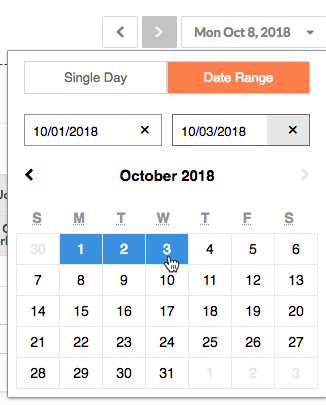
- "Single Day" allows a user to look at any one day in the Site Diary in detail.
- "Multiple Days" allows the user to select a range of dates to look at the site diary for a window of time.
If you would like to learn more about Procore's daily log management software and how it can help your business, please visit our construction daily log reporting software product page  .
.
.