Approve a Funding
Limited Release
 The Funding tool is available as a limited release for Procore customers in the United States who have implemented the Procore for Owners point-of-view dictionary. To learn more, see What tool names and terms are different in Procore for main contractors, owners and speciality contractors?
Objective
To change the status of a funding to 'Approved.'
Background
After the funding is created, you can follow the steps in Update the Bill of Quantities (BOQ) on a Funding. Once the line items on the BOQ are complete and the agreement between the project owner and your company is finalised, you can place the contract into the Approved status. This action allows your project team to begin creating variations, payment applications and payments issued.
Things to Consider
- Required User Permissions:
- 'Admin' level permissions on the project's Funding tool
- 'Admin' level permissions on the project's Funding tool
Steps
- Navigate to the project's Funding tool.
- Locate the funding to work with. Then click its Number link.
- Click the Edit button.
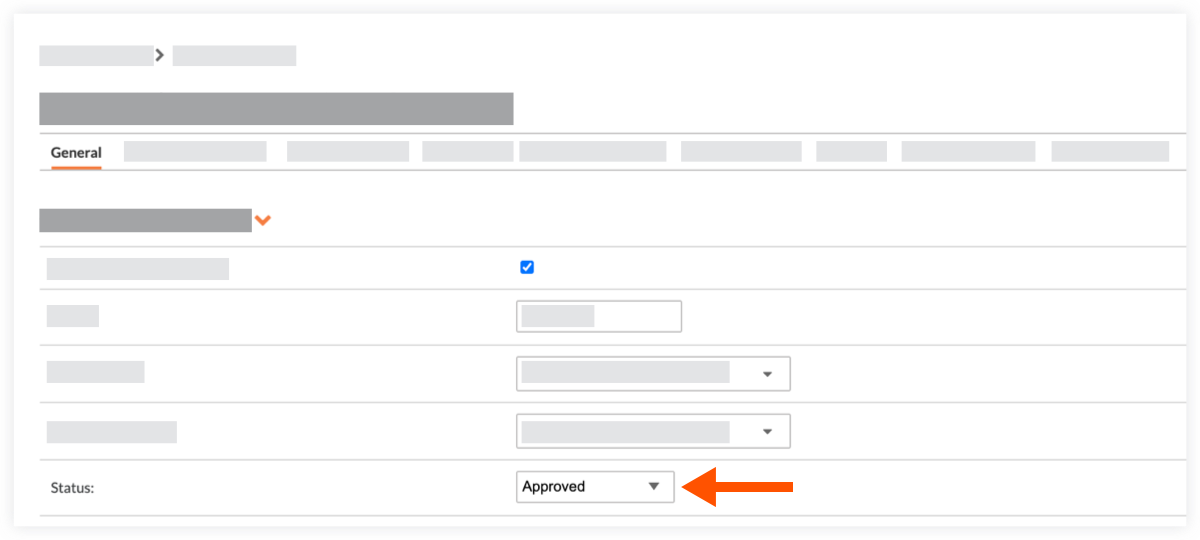
- Under General Information, choose Approved from the Status drop-down list.
- Click Save or Save and Email.