Procore BIM: Process and View Revit® Files in the Documents Tool
This announcement represents a single point in time. Future releases may impact the information below.
Feature Announced: June 08, 2022 / Feature Released: June 28, 2022
Easy Access to 3D Model Files in Procore
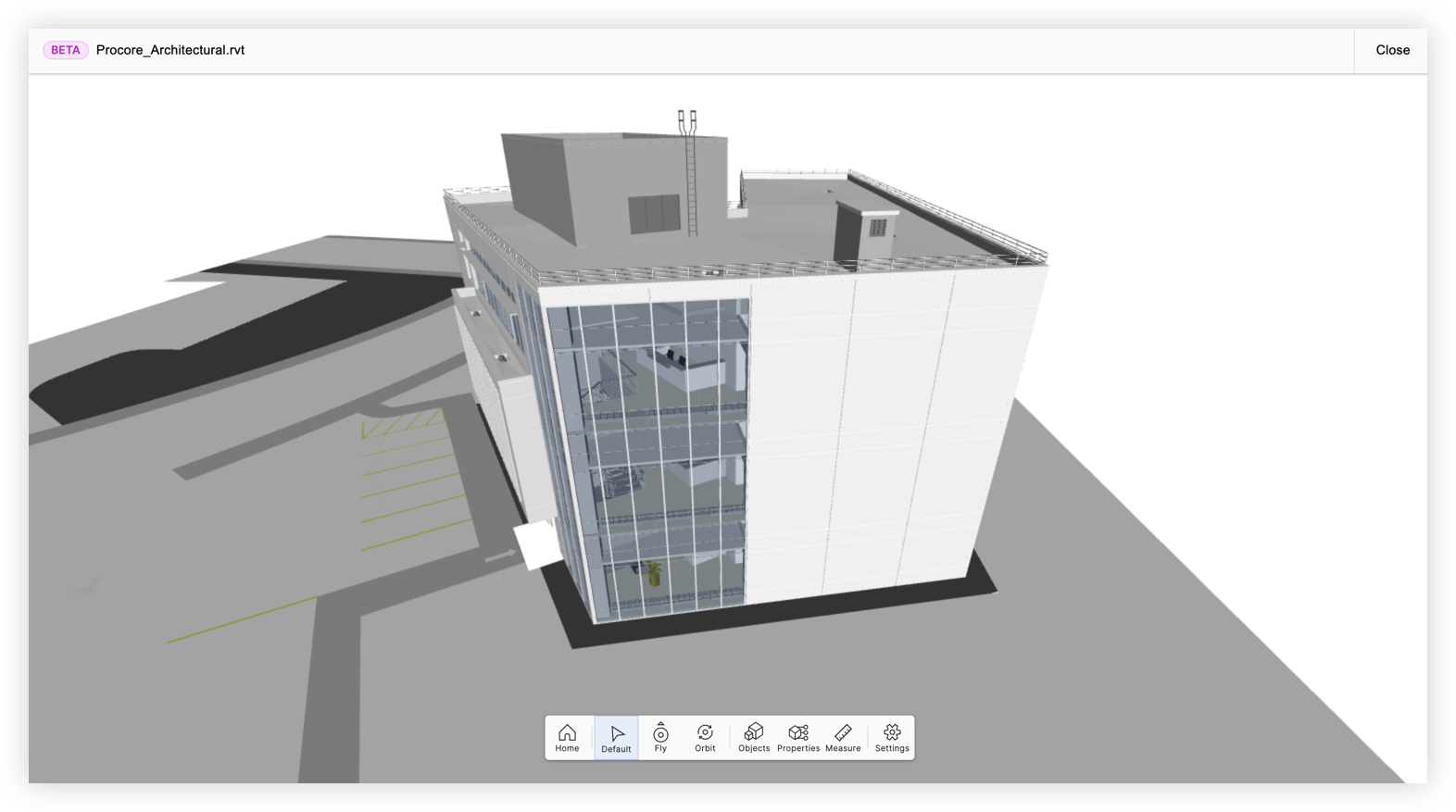
Procore has added the ability for users to view and download Revit® files in the project's Documents tool. Generally, most contractors at a company do not have the ability to view Revit files because they don't have access to Navisworks®. This feature allows all project users to quickly access and view 3D models directly in Procore. See View and Download 3D Models in the Documents Tool.
Details
From the Documents tool in a project, you can click on any Revit file (.rvt) to automatically process and open the file in a viewer in a new tab. If a file hasn't been processed yet, you'll need to click Process File after clicking on the file.
Note: Files that have been processed already have a tick icon next to them and files that are still processing have a spinning icon.
Similar to the Models tool, the file will need to "download" the first time you open it (including if using a different computer or if you cleared the cache on your browser). After the model has finished loading, you can use several tools to navigate and examine the model.
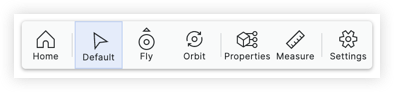
The model viewer within the Documents tool is based off the viewer in the Models tool, but has some differences.
- The following tools and functions are included in both viewers:
- Home Tool
- Default (Select tool)
- Fly Tool
- Orbit Tool
- Properties Tool
- Measure Tool
- Settings
- Keyboard Interactions
- The following features are currently only available in the Models tool viewer:
- 2D Drawing Views
- Active Collaborators
- Co-ordination Issues View (side panel)
- Objects Tool
Considerations
- This feature does not require the Procore BIM product. Any project user with permissions to the Revit® files in the Documents tool can view and download them.
- The Procore generated model will be the entire model and will not respect hidden items or section boxes from the Revit® file.
- Revit models that were already in the Documents tool will be available to process. The viewer will open when the Revit® model is selected.
- Files must be Revit® 2017 or later to be viewed in the Documents tool.
FAQ
Do I need the Procore BIM Product for this this?
No. This feature is available to all Procore users with permissions to files in the project's Documents tool.
Is this the same viewer as the Models tool on the web application?
While the model viewer in the Documents tool is similar, it does not have every feature that the viewer in the Models tool has. See the complete list in the Details section above.
Why is there a difference between the viewer in the Documents and Models Tools?
The Models tool supports models with additional “conditioning” that allows for more advanced tools.
Is there a size limit for Files that I can view?
No. You can try processing any size model.
Is there a limit to how many models I can load?
No. You can process all Revit® files that you have in a project.
How long does it take?
It depends on the file size. On average, processing times are less than 15 minutes.
Can I add markups or links?
Not yet. We understand the need to collaborate around the model and are working to incorporate tools for this in the future.
See Also
If you would like to ask questions or share any feedback, please contact support@procore.com.