

View Field Production Report (Android)
Things to Consider
-
Note
For customers using Procore's Resource Tracking and Project Financials tools, production quantities and hours entered on your project's variations automatically updates data in these Procore features, when variations are placed in the 'Approved' status:
-
The Procore Labour Productivity Cost budget view.
-
The Field Production Report. See Which data columns are in a Field Production Report?
-
Prerequisites
Steps
-
Navigate to the Timesheets tool using the Procore app on an Android mobile device.
-
Tap the Reports
 icon.
icon. -
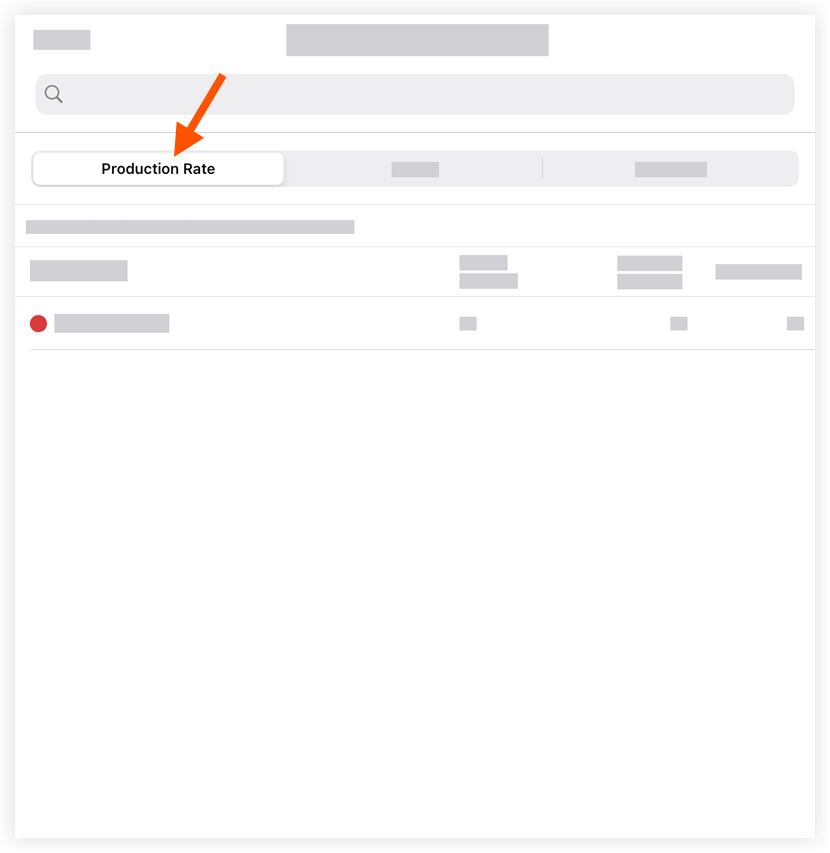
Tap the Production Rate tab.
-
Optional: Tap the Hours or Quantities tabs to view the associated information.