

Print a Form (iOS)
Objective
To print a form from your iOS mobile device.
Things to Consider
- Required User Permissions:
- 'Read Only' level permissions or higher on the project's Forms tool.
- 'Read Only' level permissions or higher on the project's Forms tool.
- Prerequisites:
- Additional Information:
- In order to print from the Procore iOS app, your mobile device must be set up with a AirPrint compatible printer. See Apple's support page on AirPrint for more information: About AirPrint.
Steps
- Navigate to your project on the iOS mobile device.
- Tap the Forms tool.
- Tap the form you want to open.
- Tap Menu.
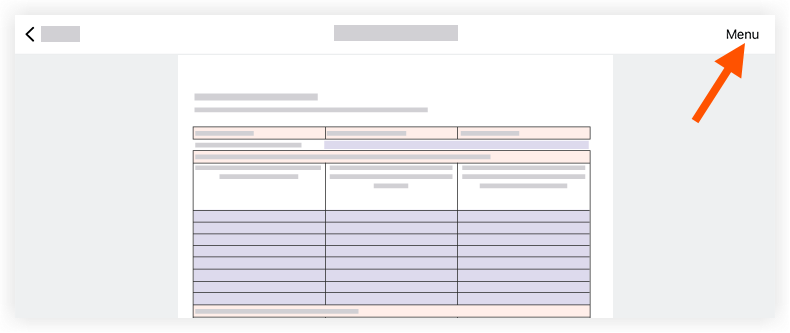
- Tap Print.
- Select the following information as needed:
- Printer: Tap to choose an available printer in the area.
- Copy: Tap — or + to select the number of copies you want to print.
- Range: Tap to choose all pages or a range of pages to print.
- Tap Print.
See Also
If you would like to learn more about Procore's forms software and how it can help your business, please visit our construction site quality and safety tool product page  .
.
.