Create an Inspection
Things to Consider
-
After a company template is copied to your project, it becomes a project template that can be modified without affecting the company template from which it originated.
-
Project templates may be modified in the Project level Inspections tool throughout the duration of the project, but changes will only be reflected on project checklists that are created from the modified template.
-
You can use a default inspection template more than once.
-
Selecting an asset when creating or editing an inspection, automatically links the inspection to the asset as a related item.
-
You can click the asset link in the inspection to view the asset's details in the asset tool.
Prerequisites
-
Add Templates
-
To create an inspection for assets, you must first configure the following settings:
-
The Assets tool must be enabled for your project. See Add and Remove Project Tools.
-
Asset records must be added to your project. See Add or remove Equipment from projects.
-
Assets must be enabled on your configurable fieldset for inspections. See Edit Configurable Fieldsets.
-
-
To create an inspection for equipment, you must first configure the following settings:
-
The Equipment tool must be enabled for your project. See Add and Remove Project Tools.
-
Equipment records must be added to your project. See Add or remove Equipment from projects.
-
Equipment must be enabled on your configurable fieldset for inspections. See Edit Configurable Fieldsets.
-
Create a Single Inspection
-
Navigate to the Project level Inspections tool.
-
Click Create.
Note: If your company does not yet have Company level inspection templates set up, you first need to create an inspection template.
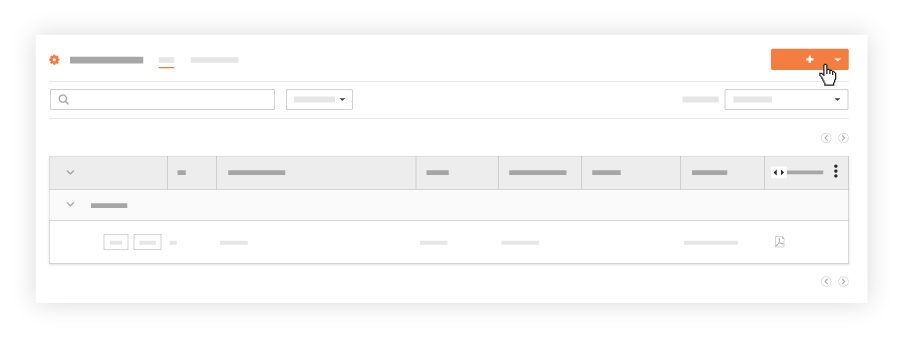
-
Select Inspection.
-
Select a default inspection template from your list of templates from the drop-down menu. Note: Templates must be added to your project. See Add Company Level Inspection Templates to Your Project.
-
-
-
Optional: Under Inspection Items Preview, review the inspection items and their response options.
-
Click Create.
Bulk Create Inspections
In Beta
The Bulk Create Inspections feature is currently in open beta and can be enabled within Procore Explore.With the bulk create feature, you can quickly create multiple inspections with identical details to save time.
-
In the new field titled Number of Inspections, enter the desired quantity. You can use the up/down arrows or type the number directly.
-
Optionally, you can set the starting number for the inspections in the sequence. For example, if you set the starting number to 64 and the number of inspections to 5, the inspections will be numbered sequentially starting at 64.
-
Fill in all the other inspection details (e.g., location, assignee, due date) as you normally would.
Note: All the inspections created in this bulk action will have the exact same details. This feature does not allow you to assign different locations or assignees for each individual inspection. -
Once you have filled in all the details, click Create.